You need hard drive data recovery Cape Town experts when a drive clicks, disappears from your computer or simply stops working, taking years of photos, business documents or university work with it. The first few hours after a drive fails matter most, because the wrong move can turn a recoverable problem into permanent data loss. At Fix I.T. Claremont we have helped Cape Town homes and businesses recover lost files for more than 12 years. This guide covers 8 essential steps to protect your data, the signs of a failing drive and what professional recovery involves.
Quick answer: Stop using the drive immediately, do not run free recovery software on a clicking drive, and get a professional assessment. WhatsApp 084 745 4897 and our hard drive data recovery team will tell you what can be saved before you commit to anything.
Signs You Need Hard Drive Data Recovery
Drives rarely fail without warning. Watch for these red flags:
- Clicking, grinding or beeping from a mechanical hard drive.
- Drive not detected in Windows Explorer, Disk Management or macOS Finder.
- “You need to format the disk” messages when you plug it in.
- Files that will not open, or folders that suddenly appear empty.
- Very slow performance, freezing or long delays when opening files.
- Blue screens or boot loops on a laptop or PC, especially with “no boot device” errors.
- An external drive that was dropped, even if it seemed fine afterwards.
If you notice any of these and the data is important, back up what you can right now, then stop using the drive.
8 Essential Steps to Save Your Data When a Drive Fails
1. Stop Using the Drive Immediately
Every minute a failing drive spins can cause more damage. On mechanical drives, the read heads can scratch the platters where your data lives. Shut the computer down or unplug the external drive.
2. Do Not Install Recovery Software on the Same Drive
If you deleted files by mistake, installing software or saving anything new to that drive can overwrite exactly the data you are trying to recover.
3. Do Not Run CHKDSK or Disk Repair on a Failing Drive
Repair tools are designed for healthy drives with minor file-system errors. On a physically failing drive, they hammer the hardware and can permanently scramble the file structure.
4. Never Open the Drive Yourself
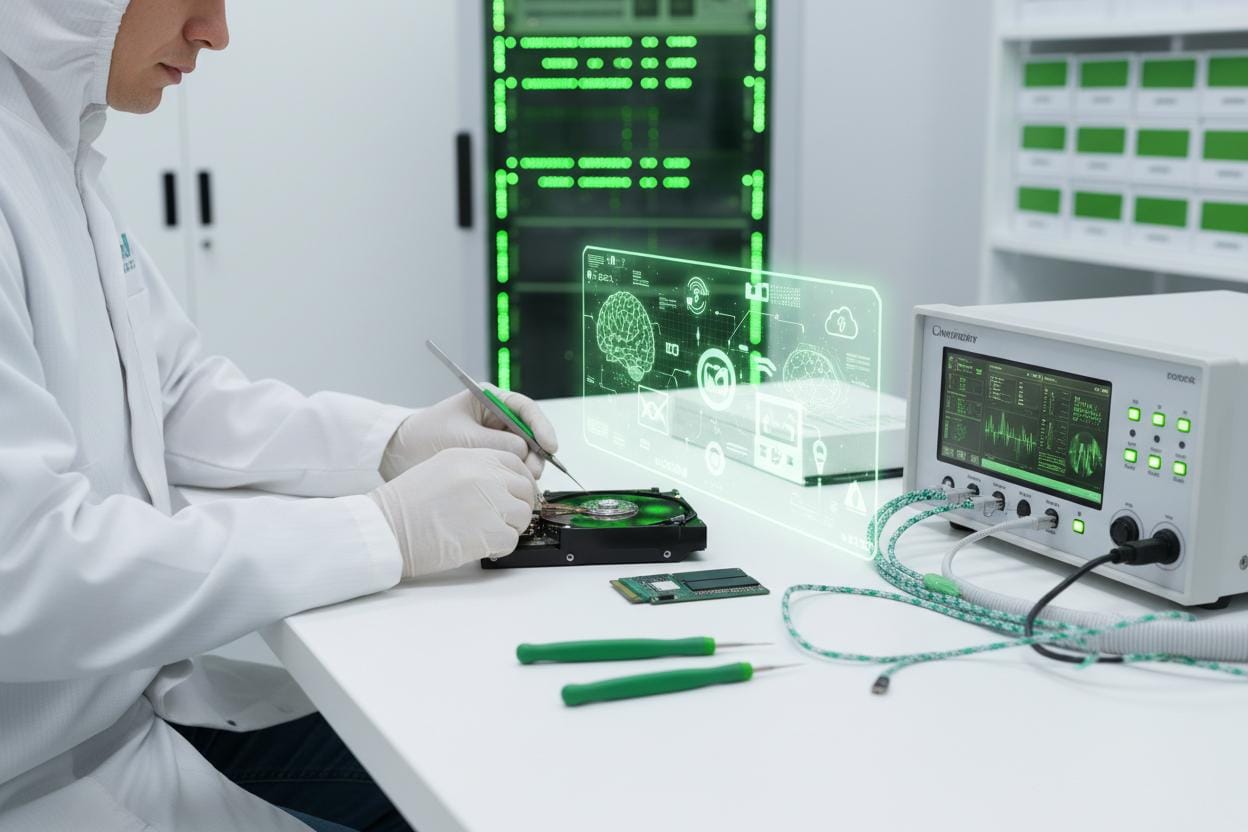
Hard drive platters are extremely sensitive. Opening a drive outside a controlled clean environment lets dust onto the surfaces, which can make professional recovery much harder or impossible.
5. Do Not Freeze, Tap or Shake the Drive
Old internet tricks like putting a drive in the freezer can cause condensation and further damage. Treat the drive gently and keep it dry.
6. Write Down What Happened
Note any sounds, error messages, drops, power cuts or liquid exposure. During load-shedding, sudden power loss is a common cause of drive and file-system damage, so mention it. These details help our technicians choose the safest recovery method.
7. List Your Priority Files
Tell us which folders matter most, such as family photos, accounting files or a thesis. Prioritising lets us recover the critical data first if the drive is degrading.
8. Get a Professional Assessment
A professional assessment tells you what is recoverable and what it will take, before you pay for the full job. Our data recovery service starts with exactly that.
Types of Data Loss We Recover From
- Logical failures: accidental deletion, formatted drives, corrupted partitions, failed Windows or macOS updates.
- Physical failures: clicking drives, failed read heads, damaged circuit boards and drives that are not detected.
- Liquid and drop damage: spilled drinks, flooding and dropped external drives. See our water damage repair service.
- Power surges: damage when electricity returns after load-shedding.
- Dead laptops and PCs: files trapped on a computer that will not boot. Read our guide on what to do when your laptop is not turning on.
Devices We Recover Data From
Our hard drive data recovery service in Cape Town covers more than traditional hard drives:
- Internal laptop and desktop hard drives (HDD).
- Solid state drives, including SATA and NVMe SSDs.
- External USB drives from Seagate, WD, Toshiba, Samsung and others.
- USB flash drives and SD or microSD memory cards.
- MacBooks, including models with storage soldered to the logic board.
- Small business NAS units and servers.
HDD vs SSD Data Recovery: What Is the Difference?
A traditional hard drive stores data on spinning magnetic platters, so physical failures are often mechanical. Data can frequently be recovered once the mechanical fault is worked around. Learn more about how they work in this overview of data recovery methods.
SSDs have no moving parts, but they use encryption and a feature called TRIM that wipes deleted blocks quickly. That makes deleted-file recovery on SSDs harder, which is why speed matters even more. If an SSD fails, stop using it straight away and get advice.
Our Hard Drive Data Recovery Process
- Get in touch. WhatsApp or call 084 745 4897 and describe what happened.
- Book an appointment. We confirm a drop-off time or arrange collection across Cape Town.
- Assessment. We diagnose the failure without writing to your drive and tell you what is likely to be recoverable.
- Clear quote. You approve the work before recovery begins. No surprises.
- Recovery. We create a safe copy of the failing drive where possible and extract your files from that copy.
- Verification and handover. You check your priority files, and we deliver the data on a new drive or your replacement device.
Your Privacy Is Protected
Your files are personal. We handle every drive confidentially and in line with South Africa’s Protection of Personal Information Act (POPIA). Data is only accessed to perform and verify the recovery, and we can securely wipe failed drives on request once your data is safely returned.
How to Avoid Needing Data Recovery Again
- Follow the 3-2-1 backup rule: three copies, on two different types of media, with one copy off-site or in the cloud.
- Turn on OneDrive, Google Drive, iCloud or Time Machine for automatic backups.
- Use a UPS or surge protector to protect your PC during load-shedding.
- Replace drives that start making noise or showing SMART warnings.
- Consider upgrading older hard drives to faster, more durable SSDs.
For business clients, our business IT support can set up managed backups so a failed drive never becomes a crisis.
Hard Drive Data Recovery FAQs
How long does hard drive data recovery take?
Simple logical recoveries can be done within a few days. Physically damaged drives take longer, depending on the fault and the amount of data. We give you a timeline with your quote.
Can you recover data from a clicking hard drive?
Often, yes, provided the drive has not been opened or run for long periods after it started clicking. Power it off and bring it in as soon as possible.
Can deleted files be recovered?
On hard drives, deleted files can often be recovered if nothing new has been written over them. On SSDs, the chances are lower because of TRIM, so act quickly.
Is my data guaranteed to be recovered?
No honest recovery provider can guarantee every file. We will tell you upfront what we expect to recover, and you approve the work before we proceed.
Which areas do you serve?
We are based in Claremont and serve the Southern Suburbs, including Rondebosch, Newlands, Kenilworth, Wynberg, Constantia, Tokai and Bishopscourt, with collection available across Cape Town. See all areas we service.
Book Your Hard Drive Data Recovery Cape Town Assessment
Fix I.T. Claremont has been repairing computers and recovering data for more than 12 years and has over 200 five-star reviews across Google and Facebook. If your drive has failed, the sooner we see it, the better your chances.
WhatsApp or call 084 745 4897 or contact us online to book your hard drive data recovery assessment today. Trading hours: Monday to Friday 09:00 to 18:00, Saturday 09:00 to 13:00.